 Riff · iPhone calendar
Press kit
Riff is an iPhone calendar you navigate by zooming. This page holds what a story about it needs: the facts, text to quote, screenshots, films and raw footage. Everything here may be used in coverage of Riff without asking. For anything else, write to hello@riffcalendar.com.
Facts
- Name
- Riff Calendar on the App Store. Riff on the phone.
- Made by
- Magnus Rex, Sweden. One developer.
- Platform
- iPhone, iOS 26 or later. Home Screen widgets included.
- Status
- On the App Store since 2 October 2026.
- Price
- Three weeks free, then $1.99 a month, $19.99 a year, or $39.99 once for a lifetime. Other currencies follow Apple’s tiers.
- Website
- riffcalendar.com
- Contact
- hello@riffcalendar.com
In one sentence
Riff is an iPhone calendar you zoom: one continuous calendar from half a year to a single day, as direct as paper.
In a few paragraphs
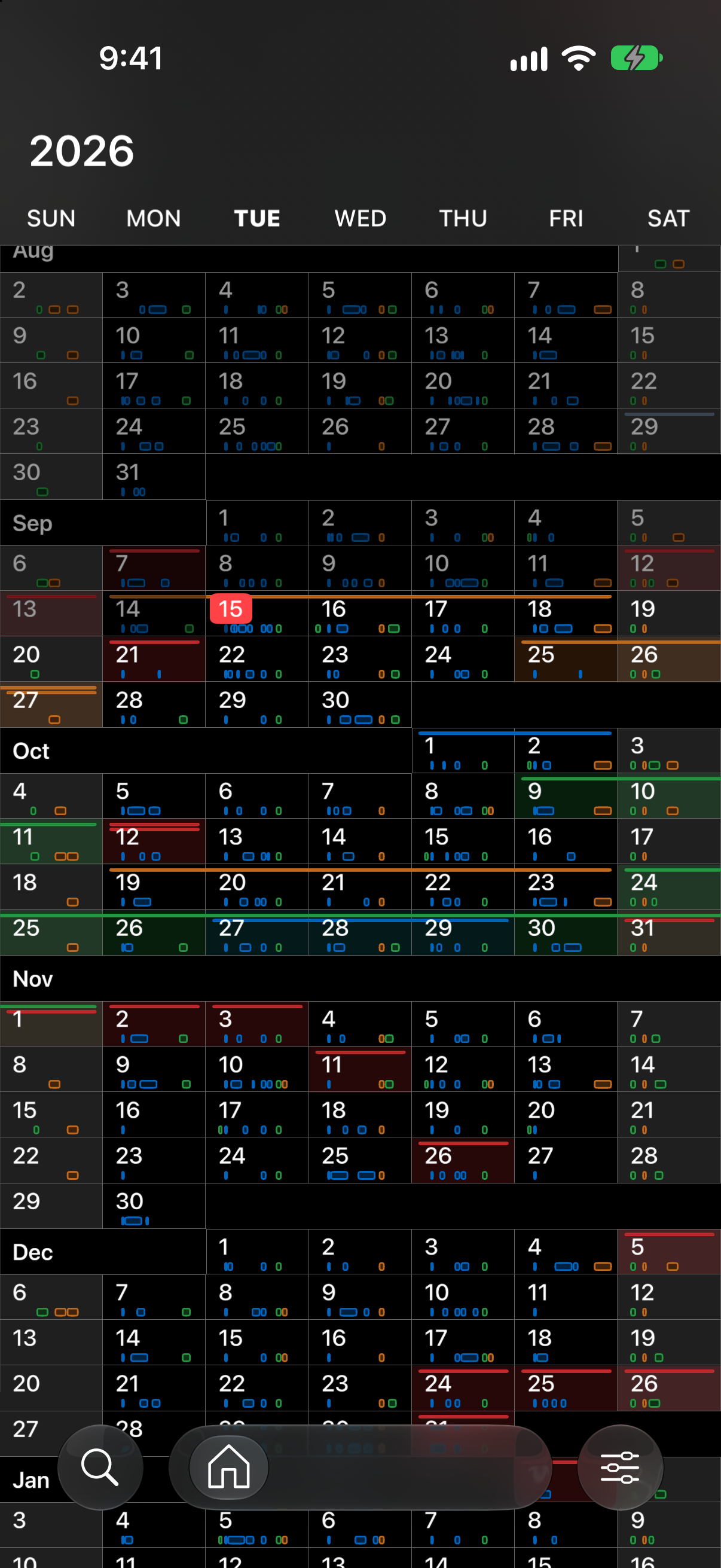
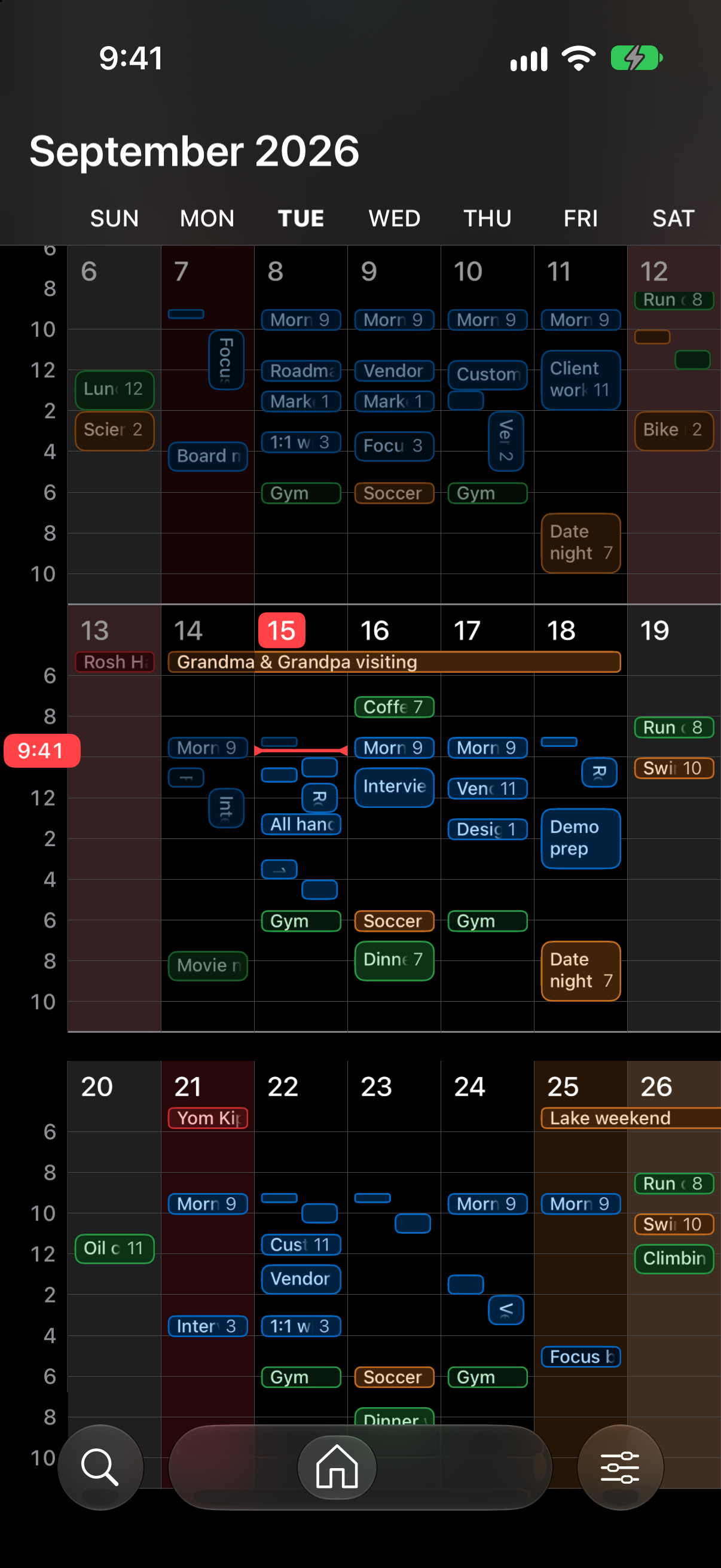
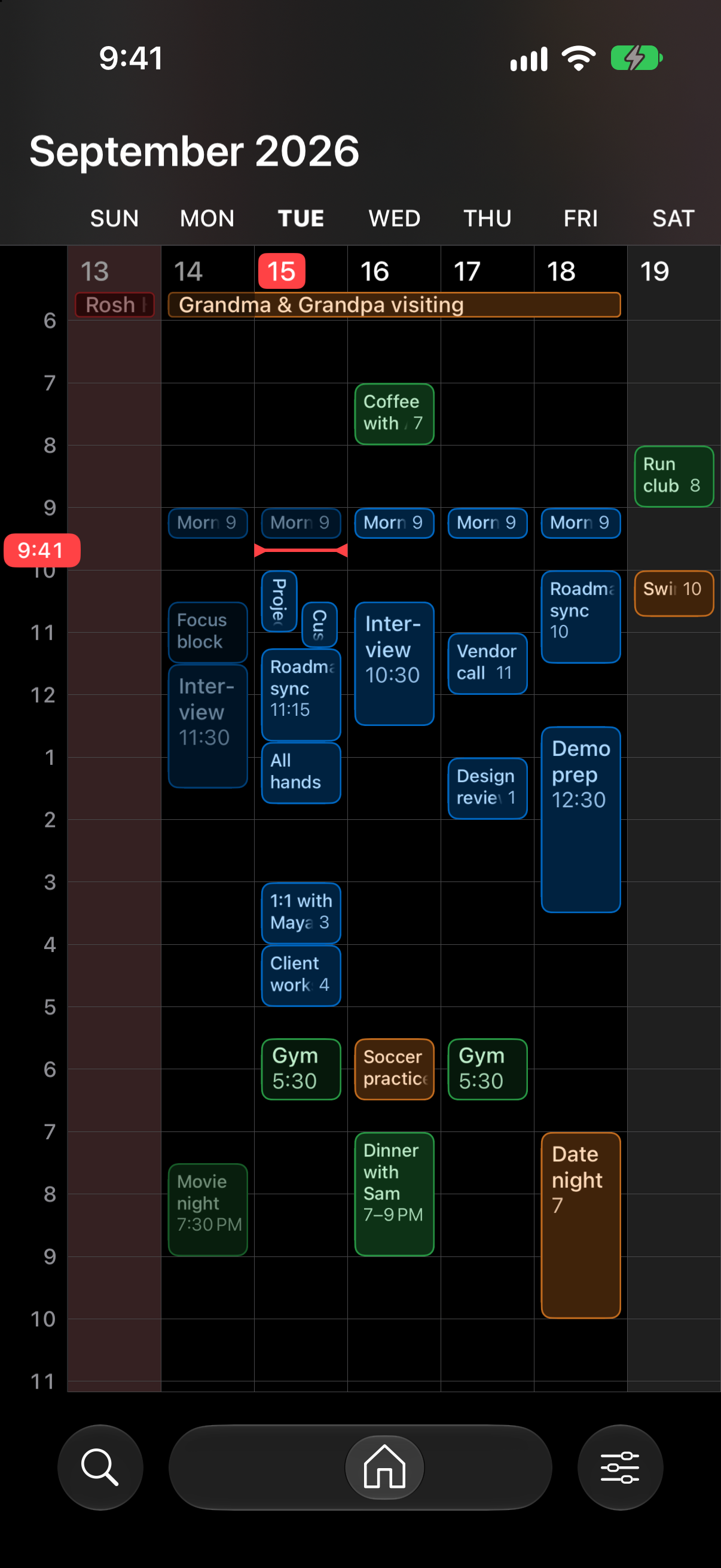
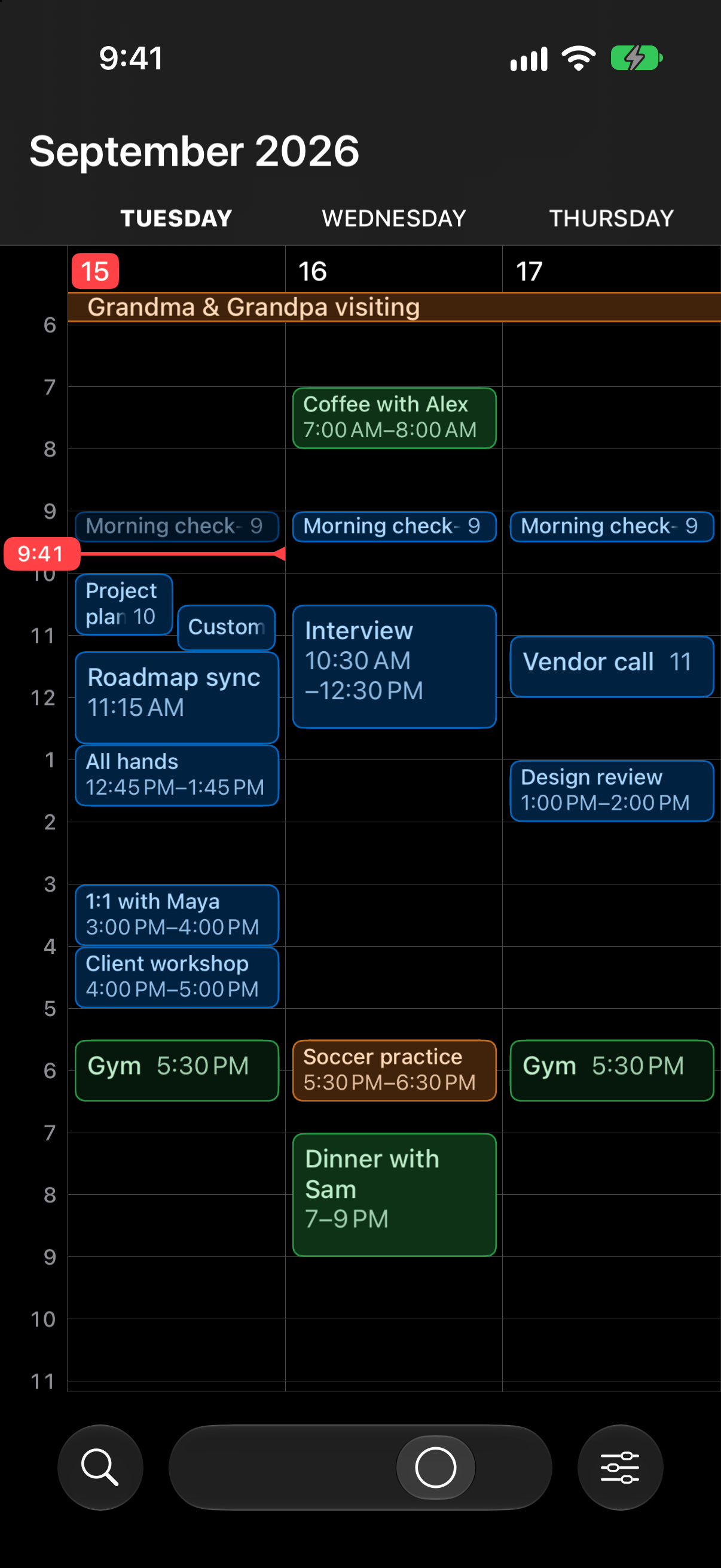
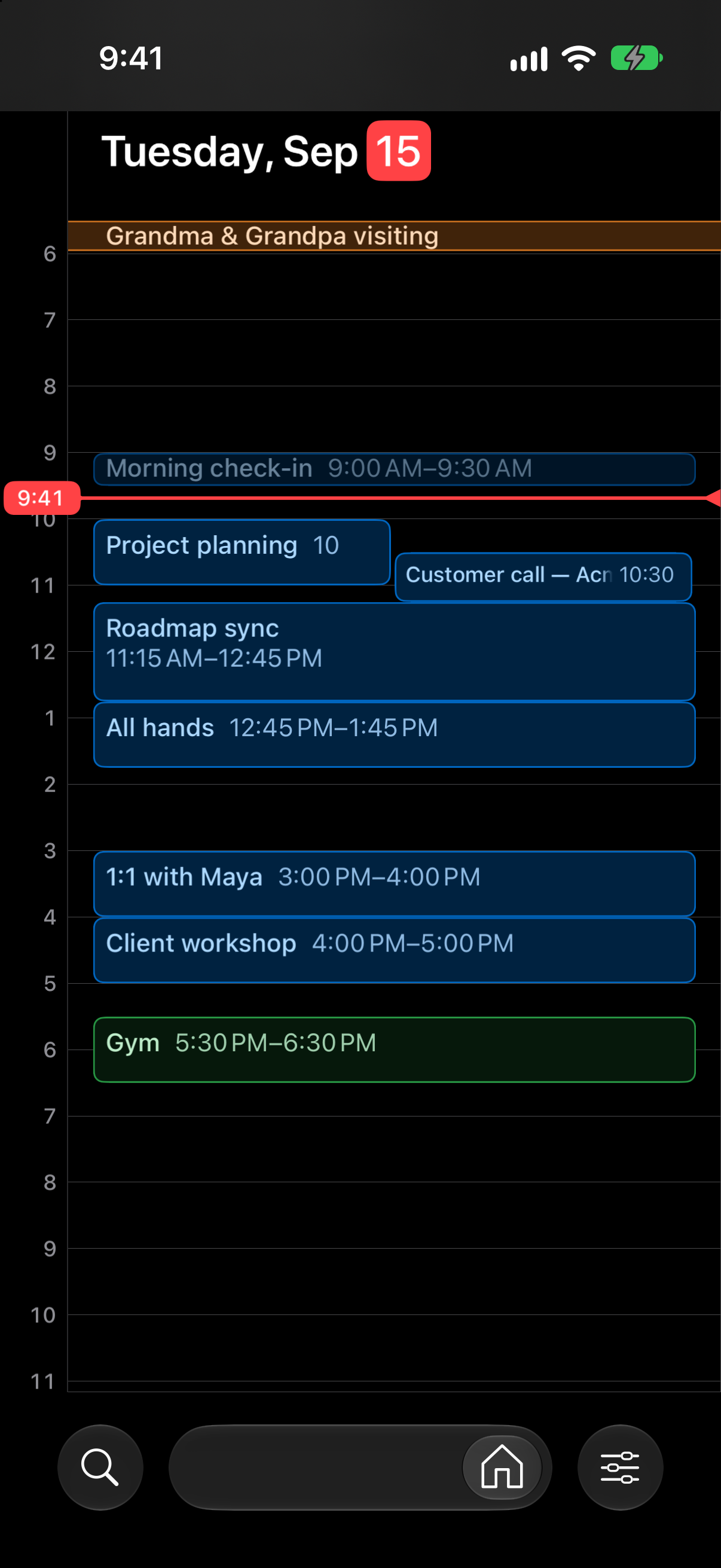
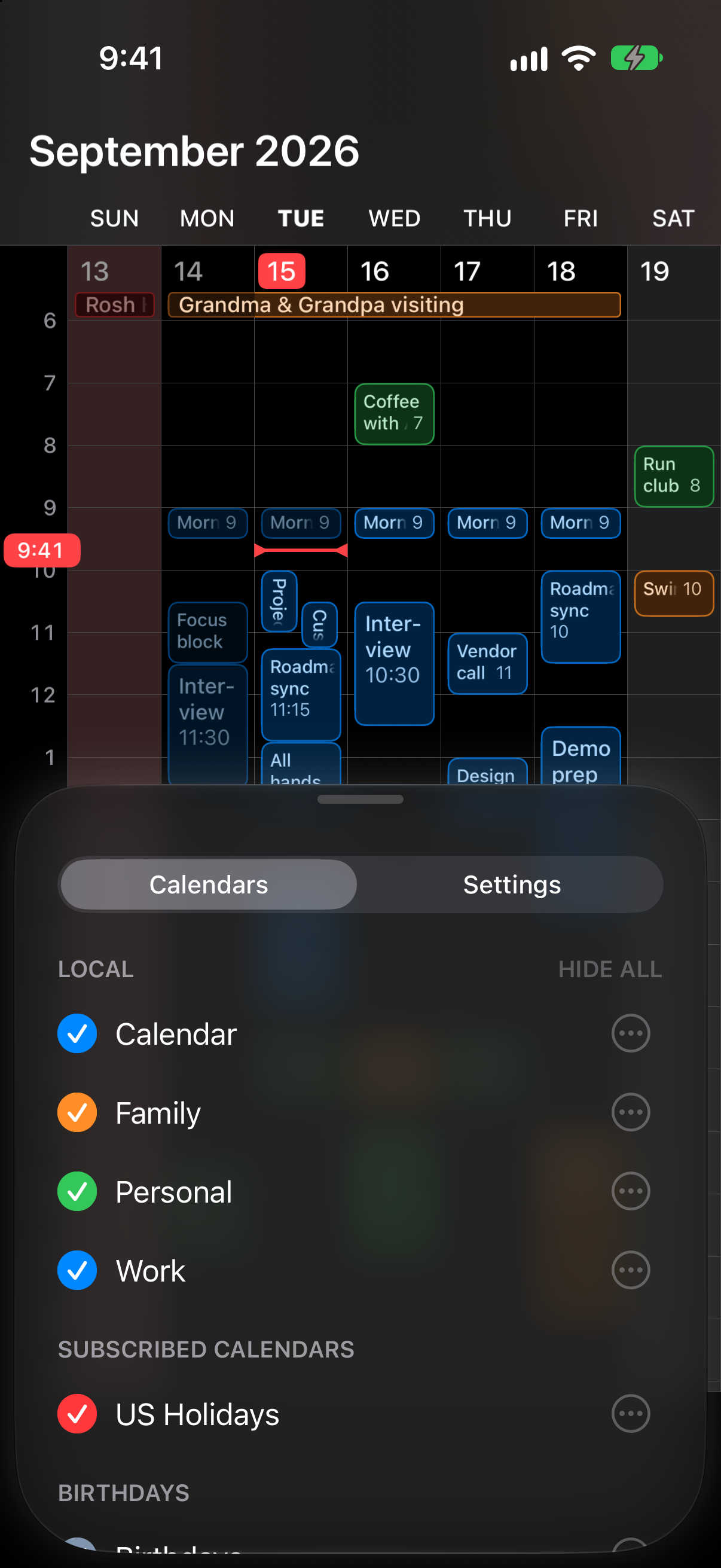
Riff is one continuous calendar. Pinch out and the weeks stack up until half a year is on screen. Pinch in and a single day opens, hour by hour. Every stop on the way is a working calendar: three weeks for a trip, three days for a long weekend, one day for a dinner. The day you were looking at stays on screen the whole way. There are no separate month, week and day views to switch between.
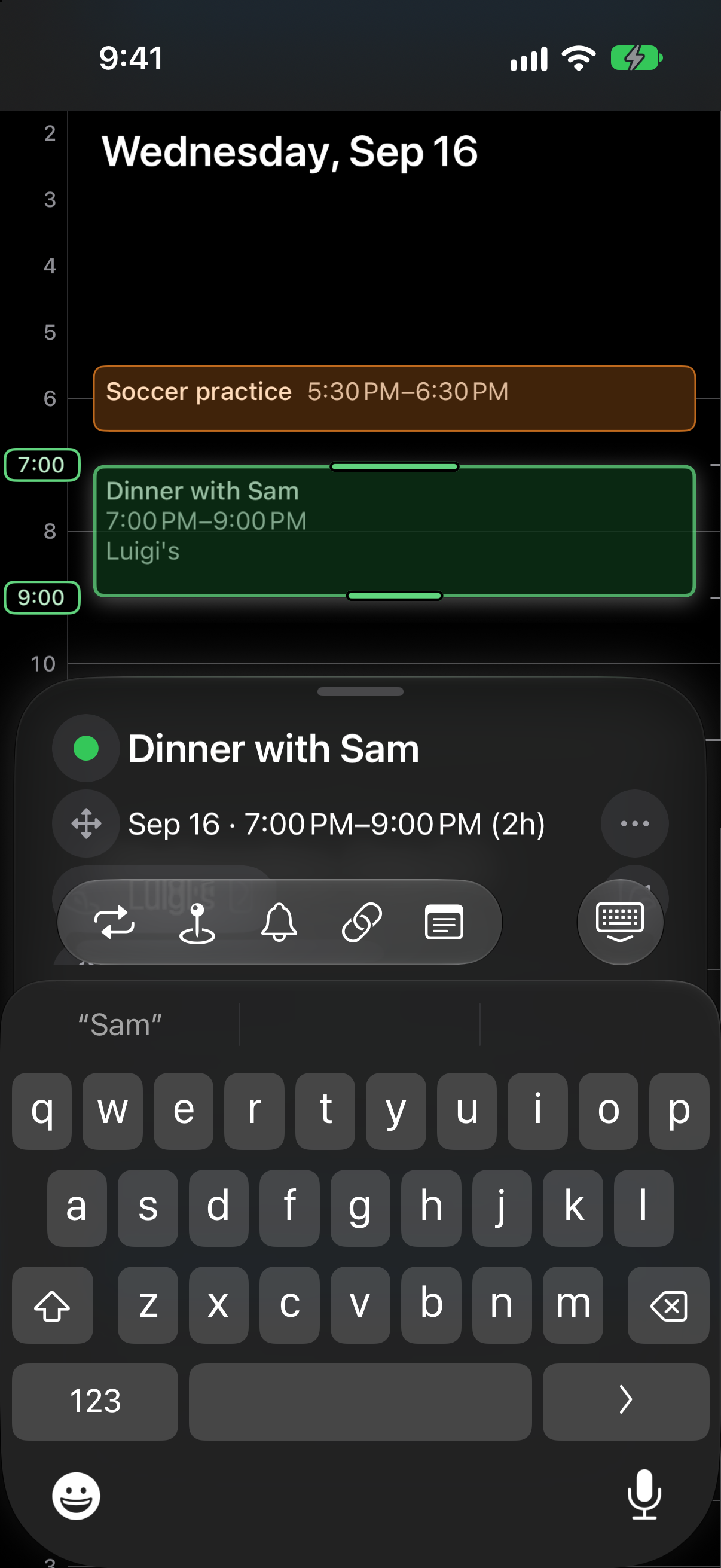
You write events straight onto the calendar. Hold a free slot and an event appears there. Type the title and you are done.
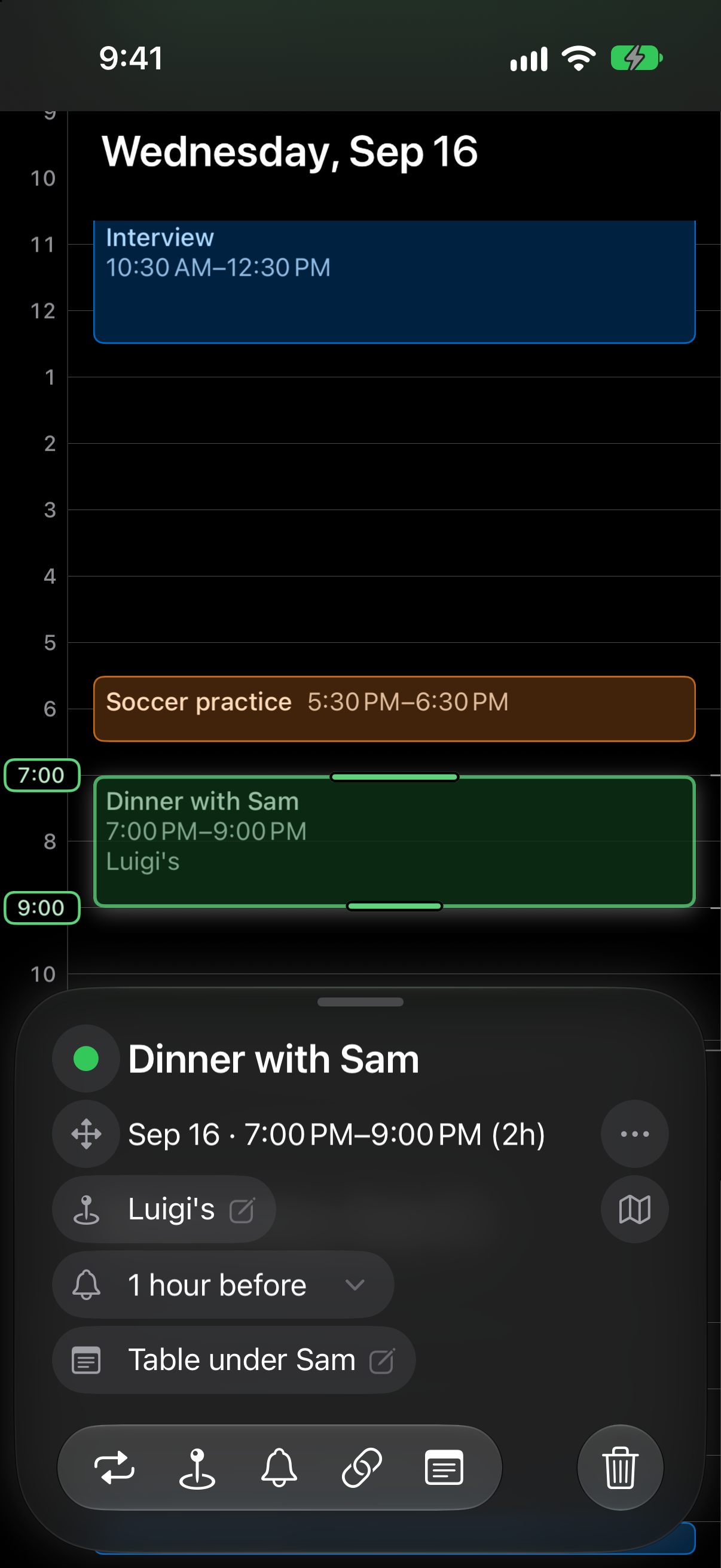
Editing opens beneath the calendar, never over it. The calendar stays in front of you while you change a time, so you never lose your place. A new time is set on the calendar, not in a form: slide the event to its new hour, or carry it to another day or week and drop it there.
Riff works directly on the calendars already on your iPhone: iCloud, Google, Exchange, whatever Apple Calendar sees. There is no Riff account and nothing to import. Riff has no server and no analytics.
- Zoom from half a year to your day in full detail.
- Hold a free slot, type the title, done.
- Rescheduling happens on the calendar, not in a form, with the rest of the week in view. Slide an event to a new hour, or carry it to another week.
- Type a title you have used before and Riff fills in the place and alert from last time.
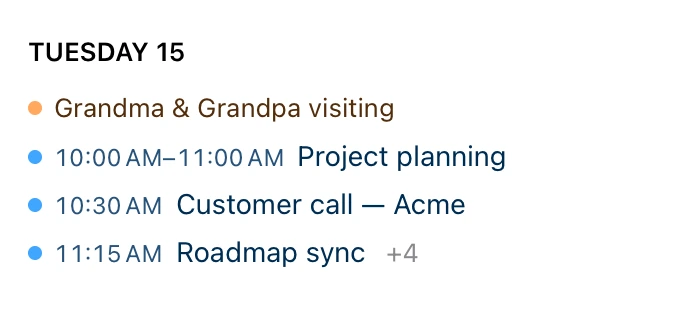
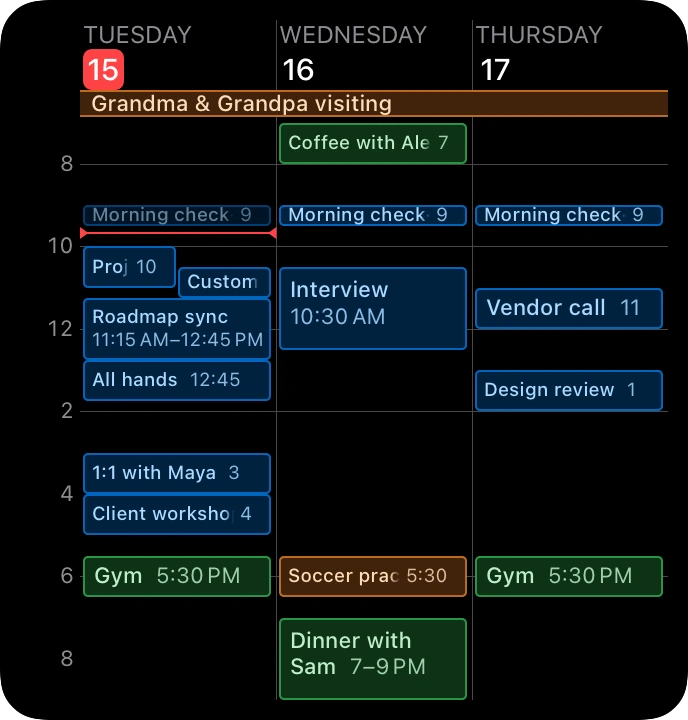
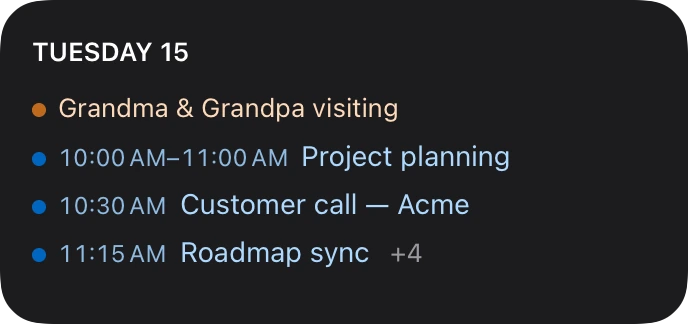
- Widgets that draw the calendar itself, one day to two weeks at true scale, or five weeks at once. And Up next, a list of what is coming.
- Your existing calendars, in place: iCloud, Google, Exchange. No account, no import, no server, no analytics.
Why it exists
I built Riff because I missed the directness of a paper calendar: find a good spot, write down just what you need. Zooming and panning through one calendar beats switching between screens. Writing only what you want to record beats filling in a long form. And through all of it the calendar stays in front of you, the days around it in view.
Screenshots
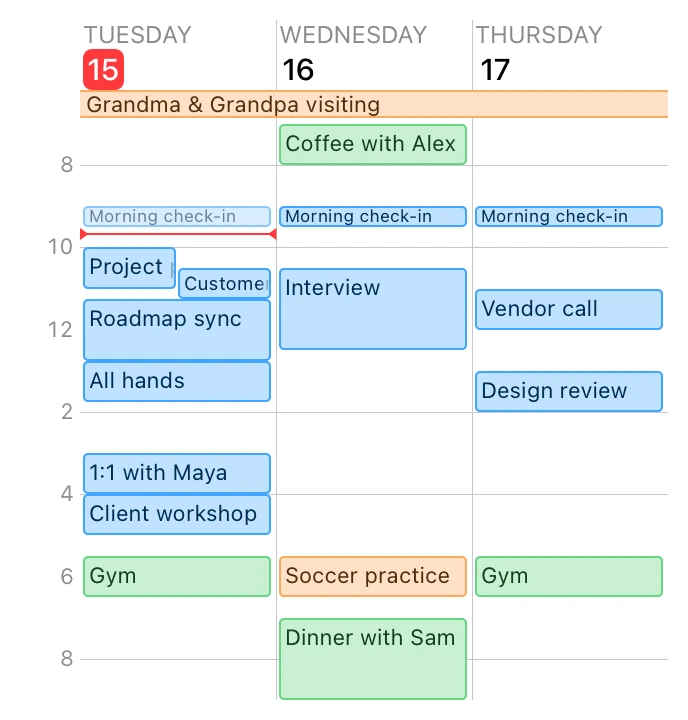
Plain screenshots at iPhone 17 size, 1206 by 2622 pixels, in light and dark. Each thumbnail links to the full-size file.
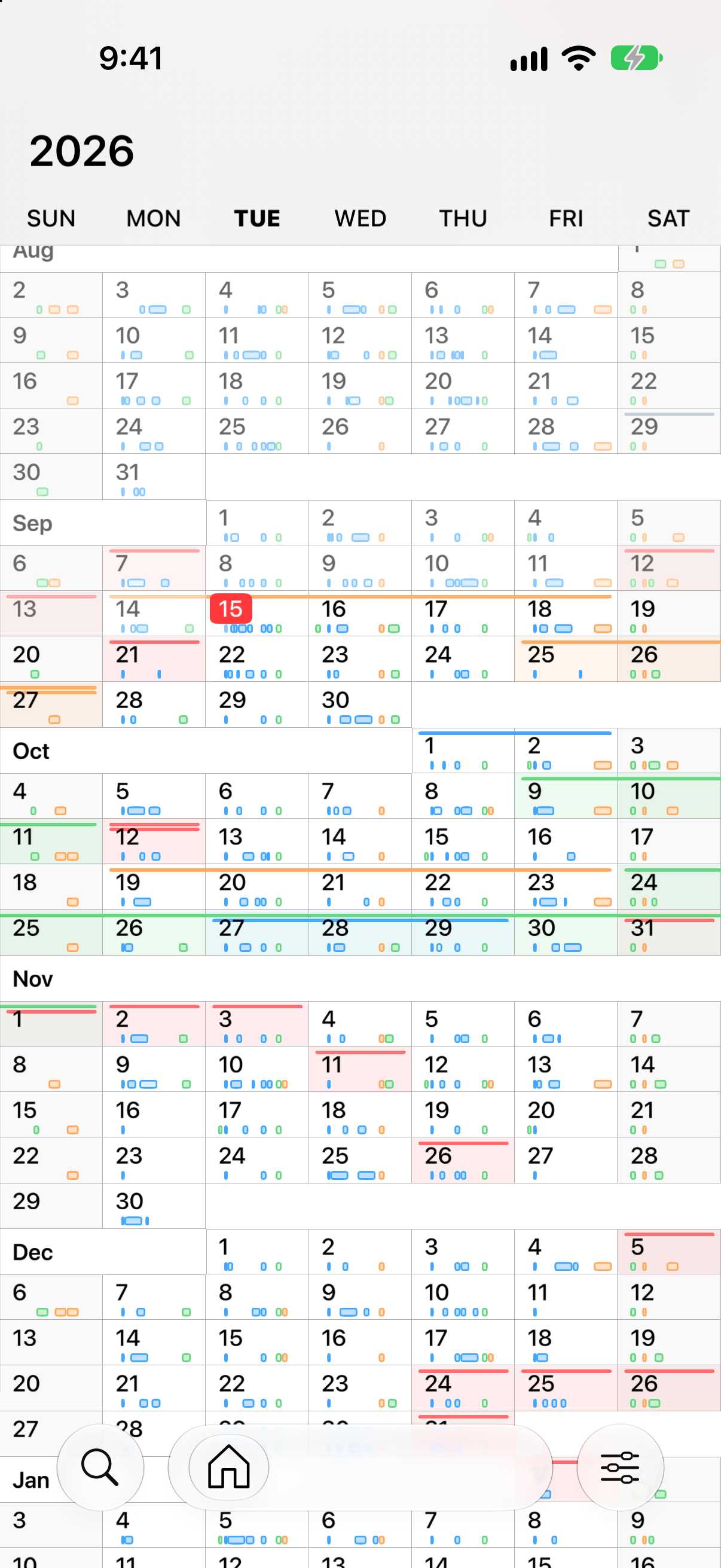
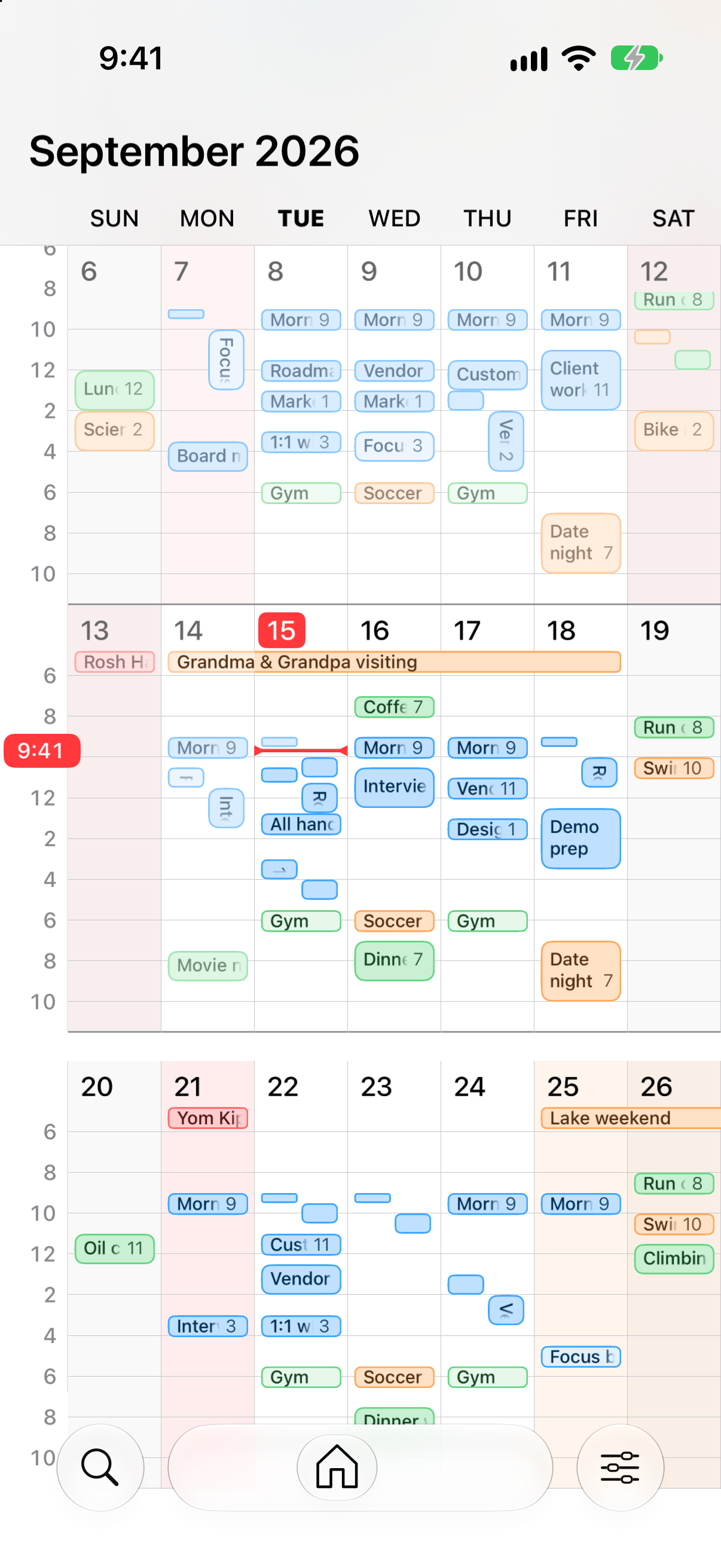
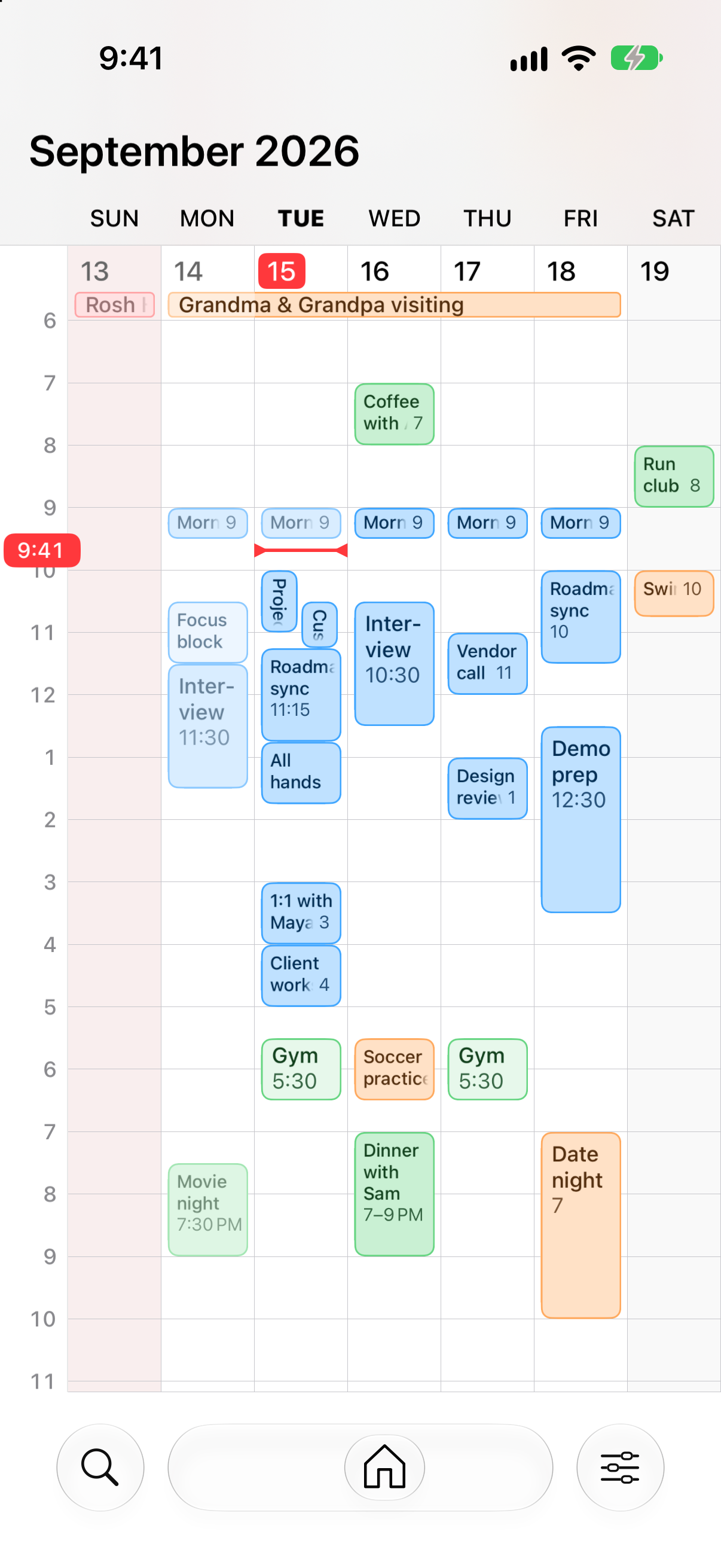
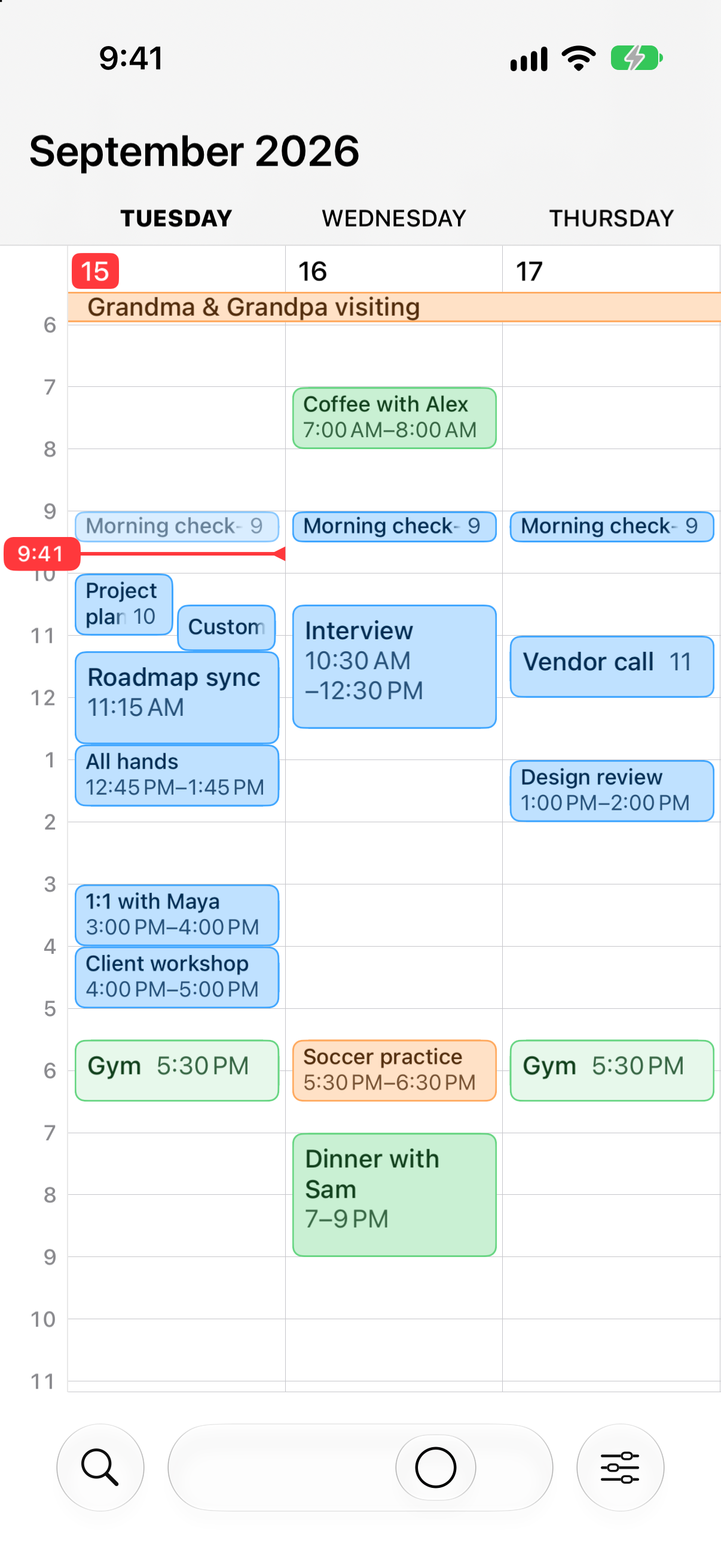
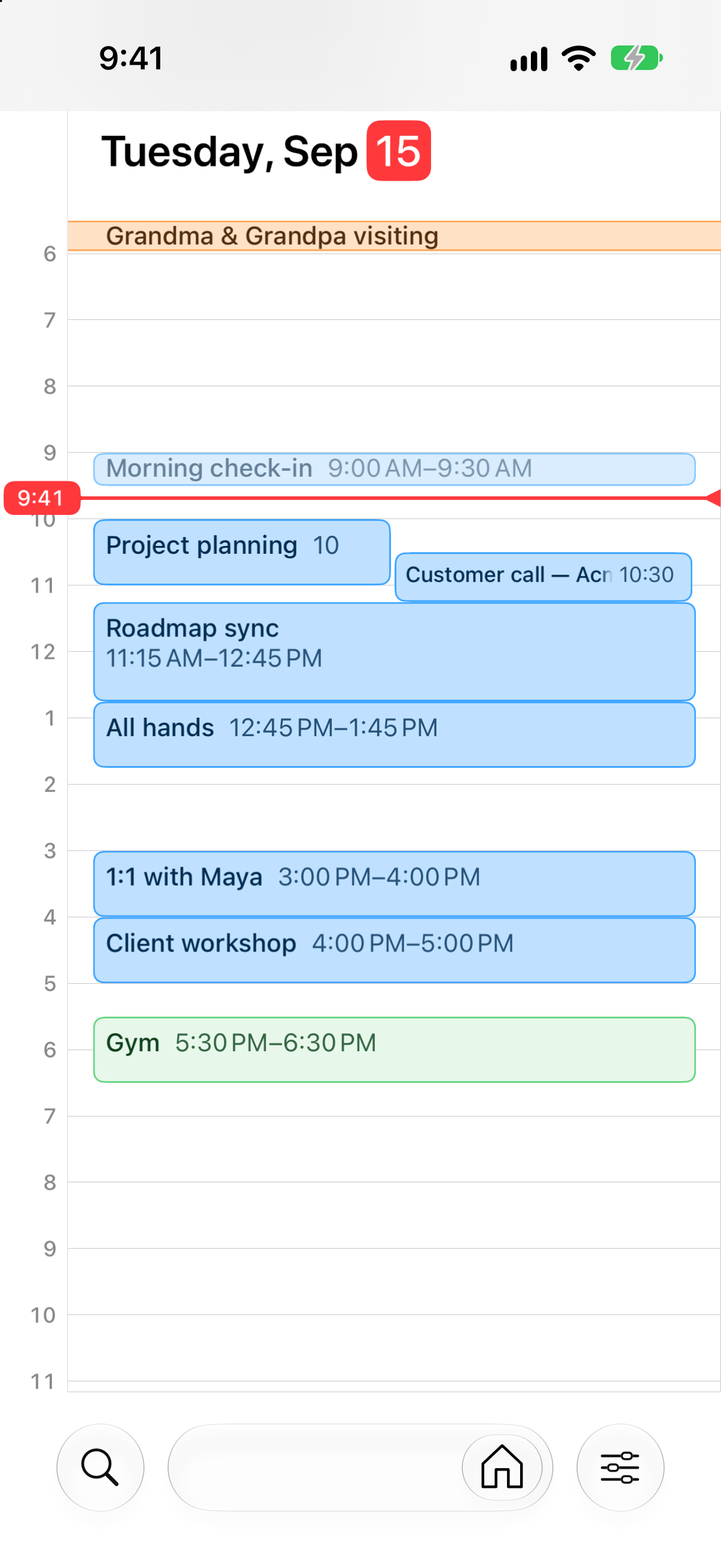
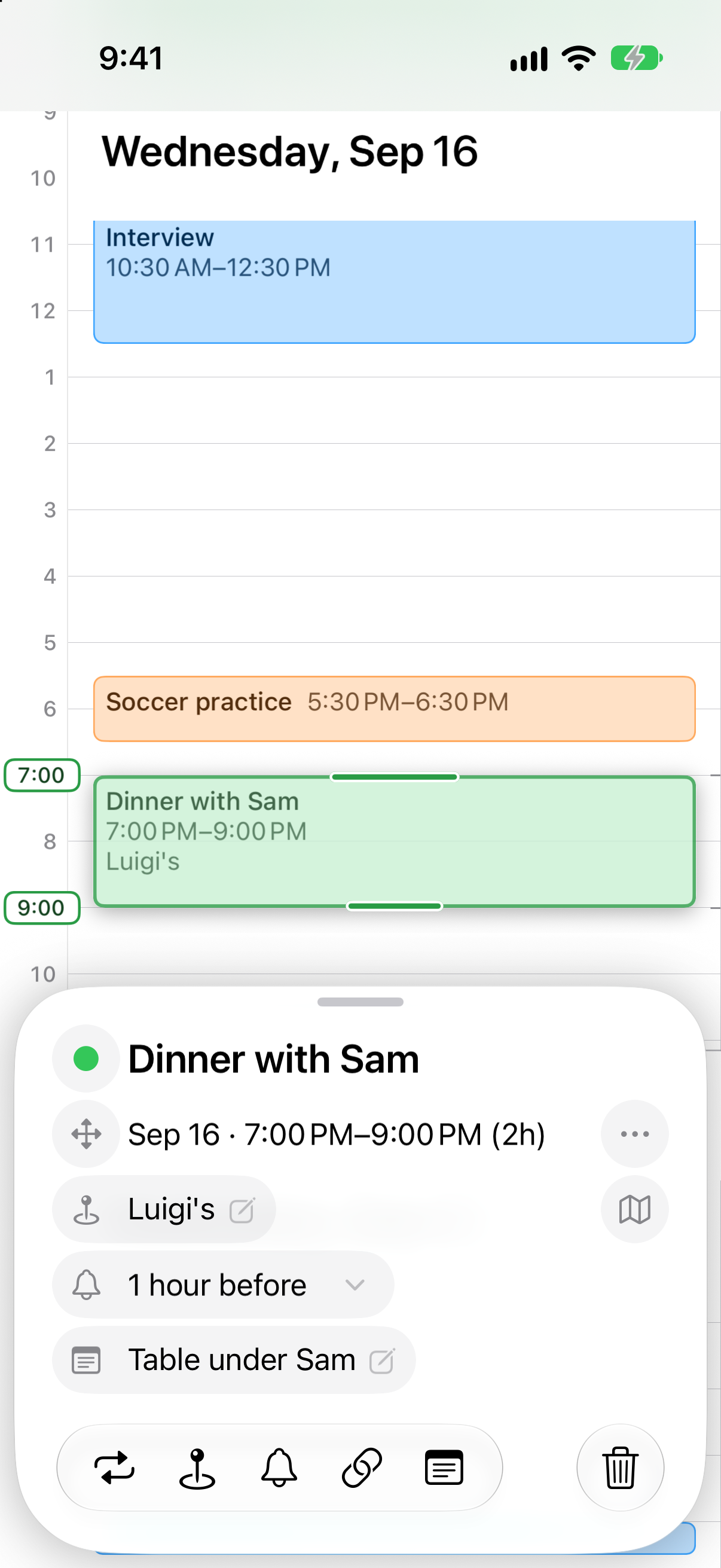
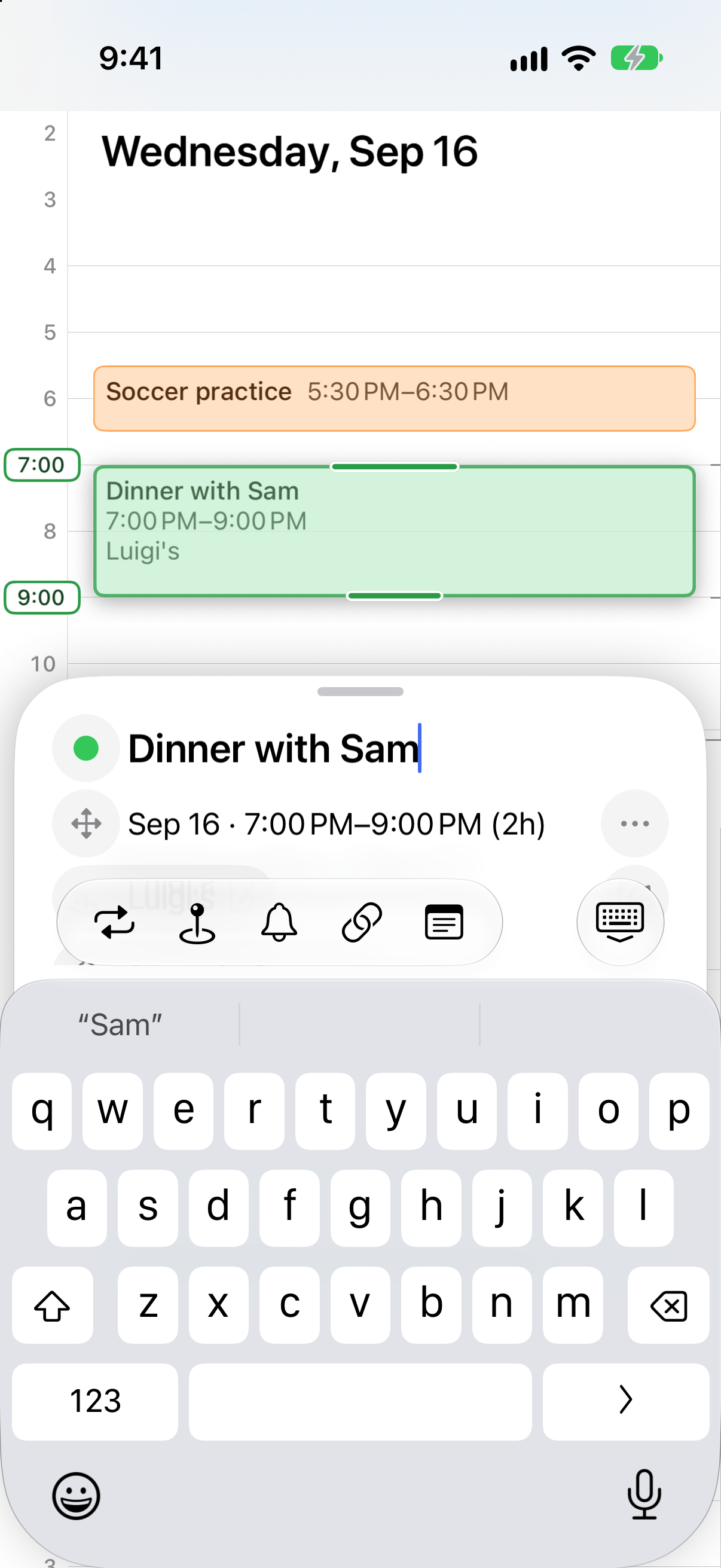
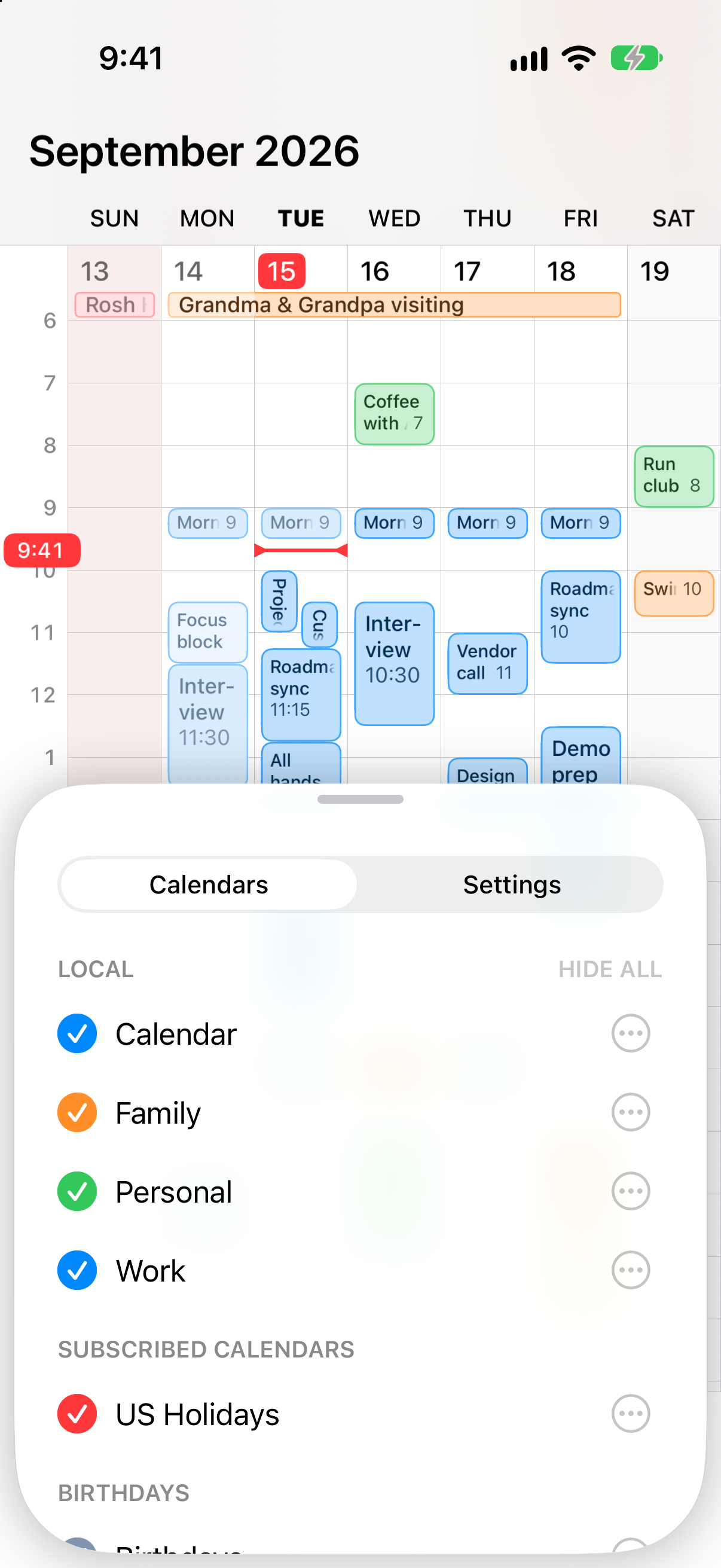
The widgets at their true Home Screen size, 688 pixels wide.
Films
Real screen recordings, 604 by 1314 pixels, fifteen to twenty seconds each, cut to loop. The same four play on the front page. Each comes in light and dark, with the week starting on Sunday or on Monday.
| Film | Sunday start | Monday start |
|---|---|---|
| Three weeks, a pinch in, an event made, a pinch out | Light Dark | Light Dark |
| The zoom: weeks, a day, the weeks ahead, the long weekends | Light Dark | Light Dark |
| Creating: hold, slide, stretch, type | Light Dark | Light Dark |
| Editing: a new hour, a weekly repeat, its end date | Light Dark | Light Dark |
Raw footage for video
The same four recordings at full iPhone 17 resolution, 1206 by 2622 pixels at 60 frames per second, with nothing added: no captions, no music, no device frame. Made for use in your own video.
| Footage | Light | Dark |
|---|---|---|
| Three weeks, a pinch in, an event made, a pinch out | Download | Download |
| The zoom | Download | Download |
| Creating | Download | Download |
| Editing | Download | Download |
Icon
All four at 1024 pixels.

Said about Riff

Tyler HallBuilding Mac apps since 2006
On Mastodon, 2 September 2026This is seriously impressive. It’s rare to find such a well-done new take on an established category like calendar apps.
Contact
Write to hello@riffcalendar.com. I answer questions and interview requests, and can make other screenshots or footage if you need them.